
How to get the S5 Client
Three steps — the app arrives in your inbox, not from a public download page.
1. Buy any plan
Choose a SOCKS5 pack on the pricing page — from 75 IPs. Pay with USDT, BTC, ETH and other coins; activation is automatic after on-chain confirmation.
2. Check your email
Within minutes of payment confirmation you receive an email with your personal S5 Client download link and your dashboard credentials.
3. Install and connect
Install on Windows, log in, pick a country or city, and press Connect. Your balance, IPs and sub-accounts sync with the web dashboard automatically.
Inside the S5 Client
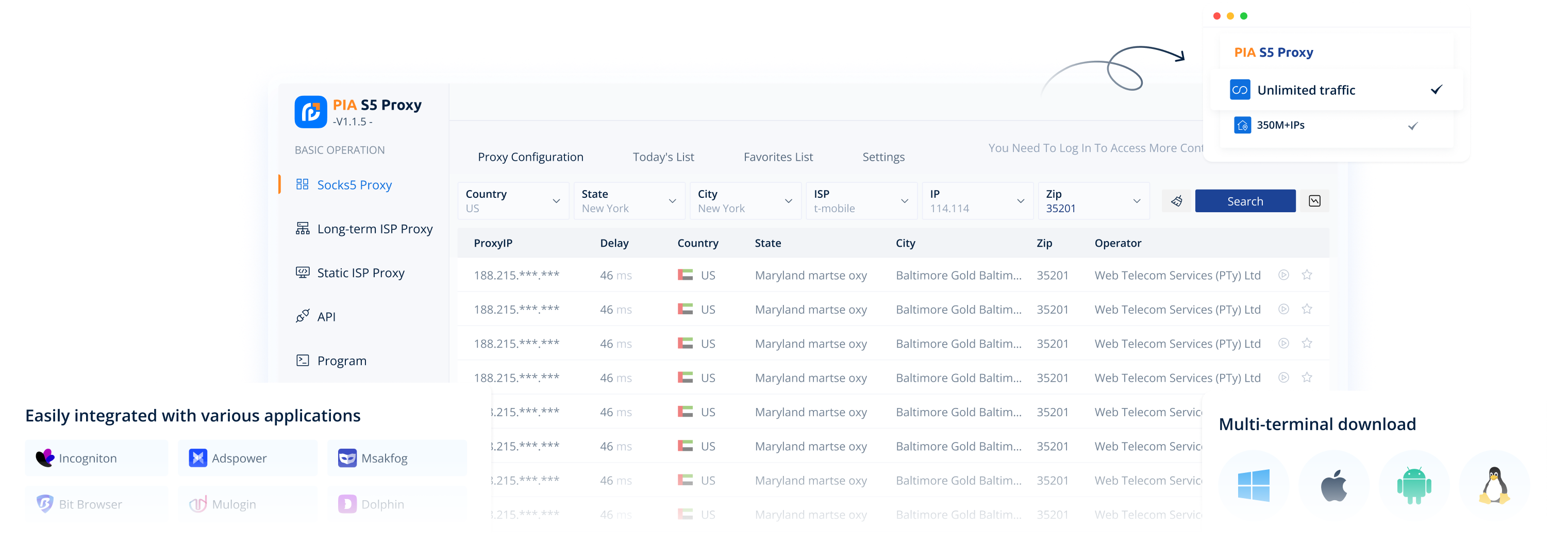
Real screenshots of the PIA S5 desktop app — the same interface you get by email after purchase.
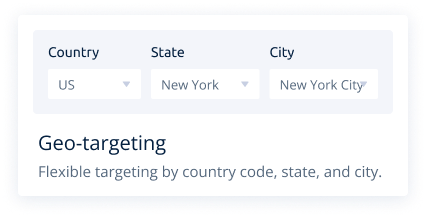
Geo-targeting
Pick IPs by country code, state and city in two clicks.
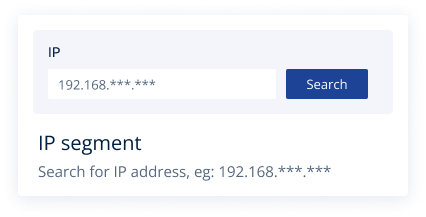
IP segment search
Search the pool by IP range, e.g. 192.168.***.***.
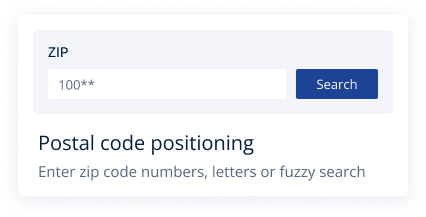
ZIP positioning
Enter a ZIP for street-level IP targeting, fuzzy search included.
Why the download is email-only
- No abuse: a public installer attracts free-trial bots and fraud rings that burn residential IPs for everyone.
- No fake mirrors: your link always comes from us, so you never install a trojaned "PIA client" from a third-party download site.
- Clean pool: gating the client behind a purchase keeps IP reputation high — the main reason our success rates stay up.
Don't want an app at all? Every plan also works as plain SOCKS5 / HTTP(S) credentials in browsers, antidetect tools, scripts and phones — the client is optional comfort, not a requirement.
Get the app with any plan
Buy once — the S5 Client download link and your credentials arrive by email within minutes.
S5 Client FAQ
It is emailed automatically after your first confirmed purchase. There is no public download page — this is intentional (anti-abuse, anti-fake-mirror).
Yes — included with every plan, even the smallest pack. You pay for IPs only.
Windows 10/11 64-bit. macOS / Linux users connect with the same plans via standard SOCKS5/HTTP(S) credentials — no client needed.
Check spam. Still nothing after 15 minutes — ping @pias5proxy and we resend manually.
Yes — the same country, state, city, ZIP and ISP filters as the dashboard, in a visual picker.